Can Canvas Catch Cheating Like ChatGPT and Plagiarism?
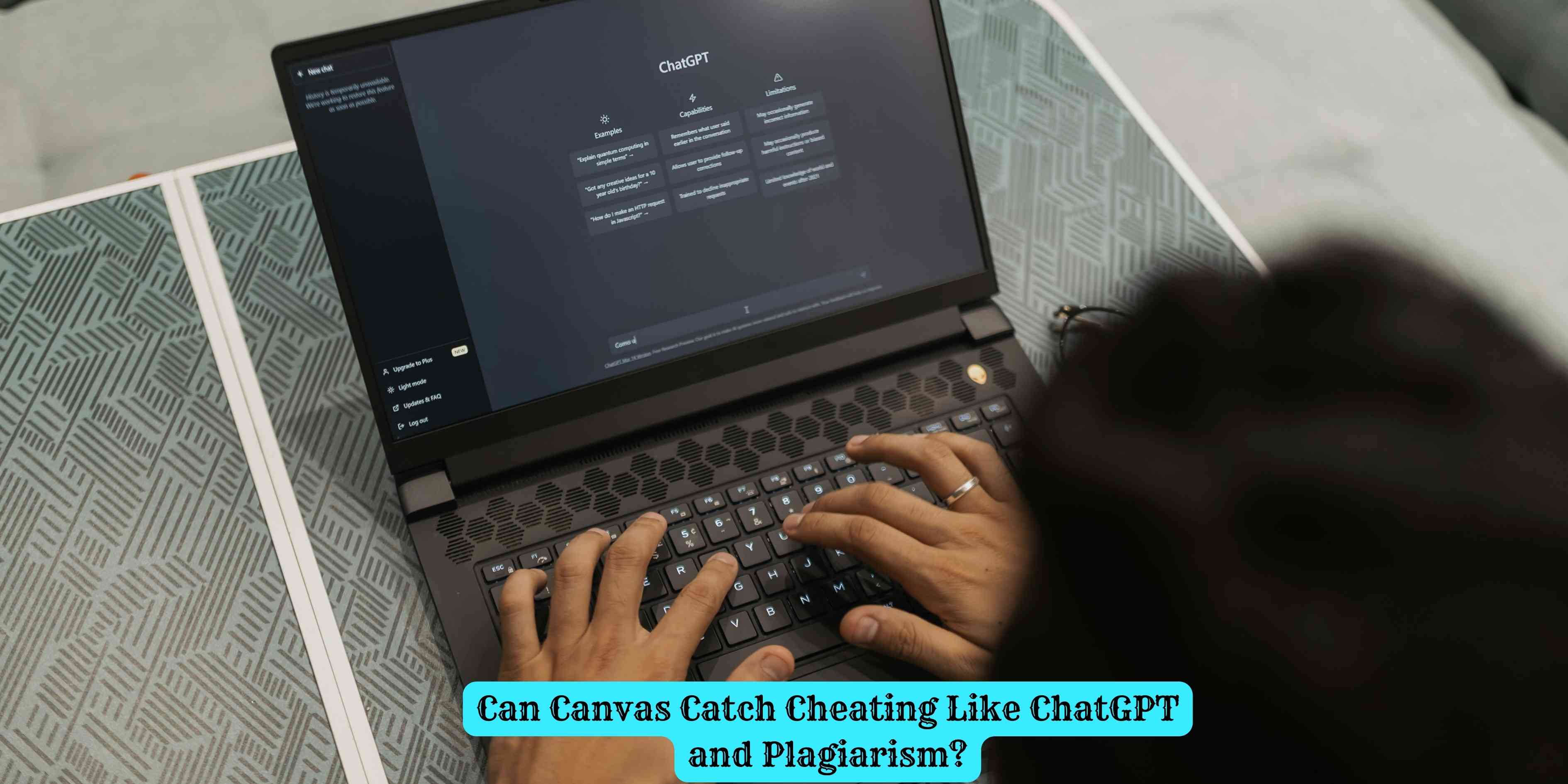
Canvas is a learning management system, not a surveillance tool. It doesn't directly detect ChatGPT or plagiarism — but it can be paired with tools that do, and it logs more activity than most students realize.
The Short Answer
Canvas itself cannot directly detect ChatGPT-generated content or plagiarism. Canvas is a learning management system — a platform for distributing assignments, communicating with instructors, and submitting work — not a detection tool. However, Canvas integrates with third-party plagiarism detection software like Turnitin, which can flag text that resembles existing sources. Whether your submission is run through AI or plagiarism detection depends entirely on which tools your institution has enabled. Canvas also logs certain activity data that instructors can review. What Canvas can and cannot detect depends on your school’s configuration — but it logs more than most students assume.
What Canvas Can Actually Monitor
Canvas collects and stores activity data that instructors and administrators can access through its analytics features. This includes:
Login and access timestamps. Canvas logs when students log in, which course pages and files they accessed, and when they opened assignment instructions. An instructor can see whether a student accessed a reading before submitting an assignment that references it.
Submission timestamps. The exact time of every submission is recorded. Late submissions are flagged automatically. Very rapid submissions — particularly for long assignments — can be visible to an instructor reviewing submission logs.
Quiz activity logs. Canvas tracks when students start and submit quizzes, how long they spent on each question, and how many times they accessed the quiz. Some quiz configurations can also flag if a student navigated away from the quiz window, depending on browser and settings.
Message and discussion participation. Instructor messaging, discussion board posts, and announcement opens are all logged.
Document viewing history. If your instructor has uploaded course materials in Canvas, the system logs whether you opened them and when.
None of this constitutes plagiarism or AI detection. It is behavioral and access data — useful for instructors tracking engagement, but not capable of identifying the origin of submitted text.
How Plagiarism Detection Works Through Canvas
Many schools connect Canvas to Turnitin or a similar service. When your instructor enables a Turnitin integration for an assignment, your submitted document is automatically sent to Turnitin upon submission and compared against:
- A database of previously submitted student papers (including across institutions that use Turnitin)
- Academic journals, books, and published articles
- Publicly accessible web content
Turnitin generates a similarity report that highlights text matching known sources and shows an overall similarity percentage. Instructors decide what to do with this information — a high similarity score does not automatically constitute plagiarism, and a low one does not mean the work is original.
Not every Canvas assignment is connected to Turnitin. Whether your submission is checked for plagiarism depends on whether your instructor and institution have enabled that integration for the specific assignment.
Can Canvas Detect ChatGPT and AI-Generated Work?
Canvas itself has no AI detection capability. Whether AI-generated writing is flagged depends on whether the institution has subscribed to an AI detection tool and whether that tool is integrated with the specific assignment submission.
Turnitin introduced AI writing detection capabilities in 2023, with the ability to flag content it identifies as likely generated by large language models including ChatGPT. The tool assigns a percentage score indicating how much of the document Turnitin believes is AI-generated. However, these tools are imperfect — they produce false positives (flagging human writing as AI) and false negatives (missing AI-generated content that has been edited or paraphrased). Some schools have adopted these tools; others have deliberately chosen not to, citing reliability concerns.
Other third-party tools — including Copyleaks and GPTZero — can also be integrated into plagiarism workflows, but again, whether your submission is analyzed by any of these depends on what your institution uses and how your instructor has configured the assignment.
What Professors Can See in Canvas
Beyond the analytics data Canvas provides, instructors can see the following:
- All submitted documents and their submission timestamps
- Version history for assignments that allow multiple submissions
- The time a student first opened the assignment versus when they submitted it
- Quiz timing and question-by-question logs for Canvas quizzes
- Whether a student accessed linked course materials before submitting
- Discussion and participation history
Instructors can also manually compare submissions to previous work, run text through external tools not connected to Canvas, and notice stylistic inconsistencies through close reading. Institutional academic integrity investigations are not limited to what Canvas logs.
What Protects You Academically
The most reliable protection against academic integrity issues is doing your own work. For students who want to use AI tools as a study aid — to understand concepts, brainstorm, or check their logic — understanding your institution’s specific policies on AI use is essential, since these vary enormously. Some schools prohibit AI assistance entirely; others allow it with disclosure; others permit it for specific uses.
If you are struggling with an assignment and are tempted to cut corners, using a legitimate academic writing service that produces original, human-written work and understanding what types of evidence and proper argumentation look like can help you build the skills you need rather than bypassing them.